


AQARA Smart Hub M3 for Home Automation Router Features Zigbee Bluetooth Wi-Fi PoE IR
- Regular price
- S$ 209.00
- Sale price
- S$ 209.00
- Regular price
-
S$ 0.00

Worldwide shipping

Secure payments

Authentic products
Share
Why Choose Us?
We've >2500+ positive reviews online!
We cover local warranty and exchange.
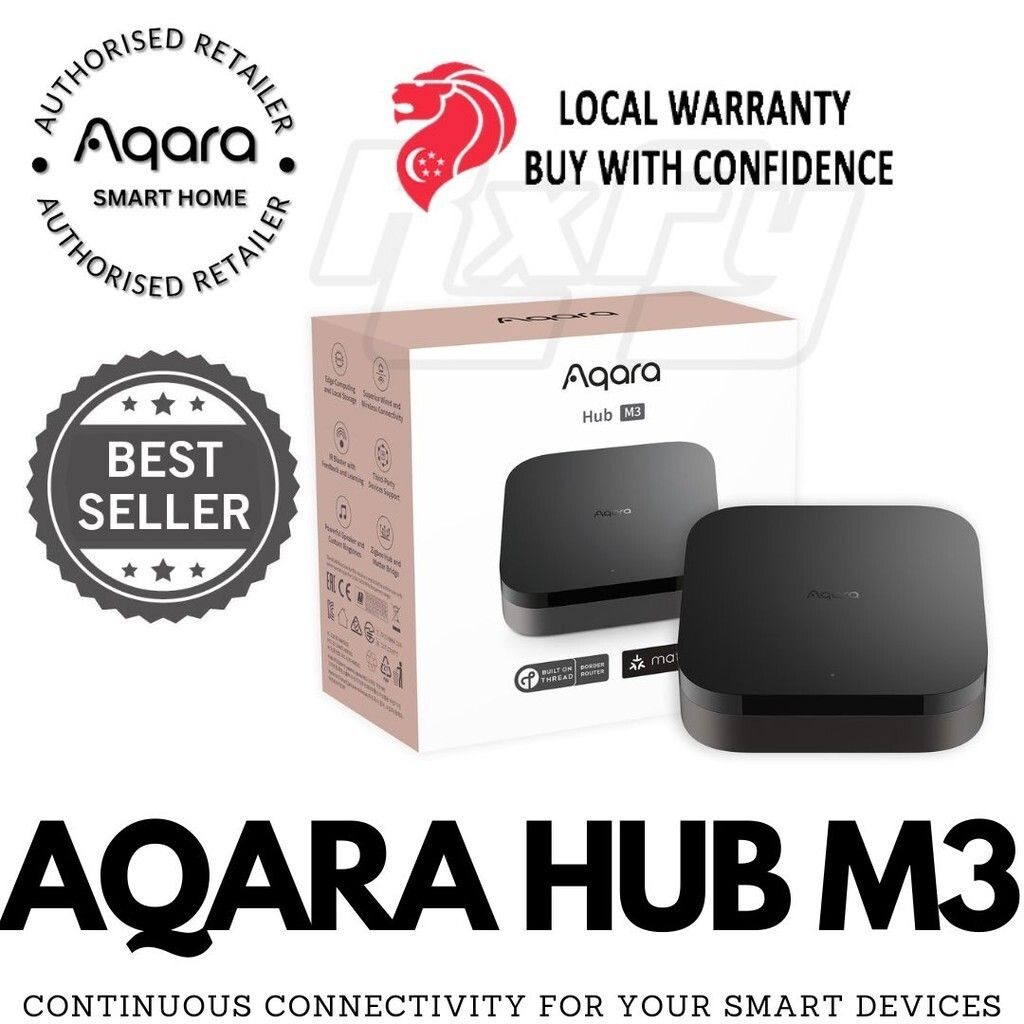
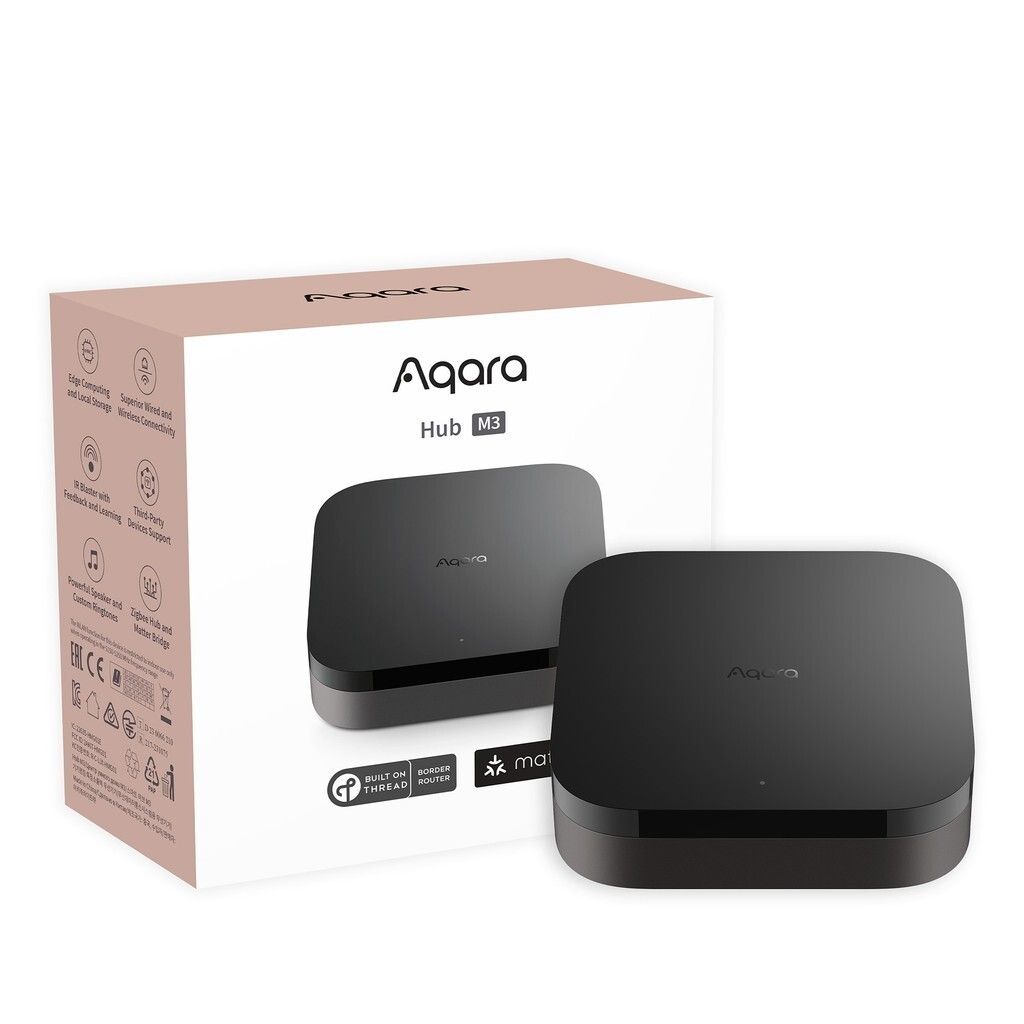
The Aqara M3 Hub is a smart home gateway that integrates various Aqara and Zigbee-compatible devices, facilitating their control and automation within your smart home ecosystem. Here's an overview of its key features and specifications:
Aqara M3 Hub
Features
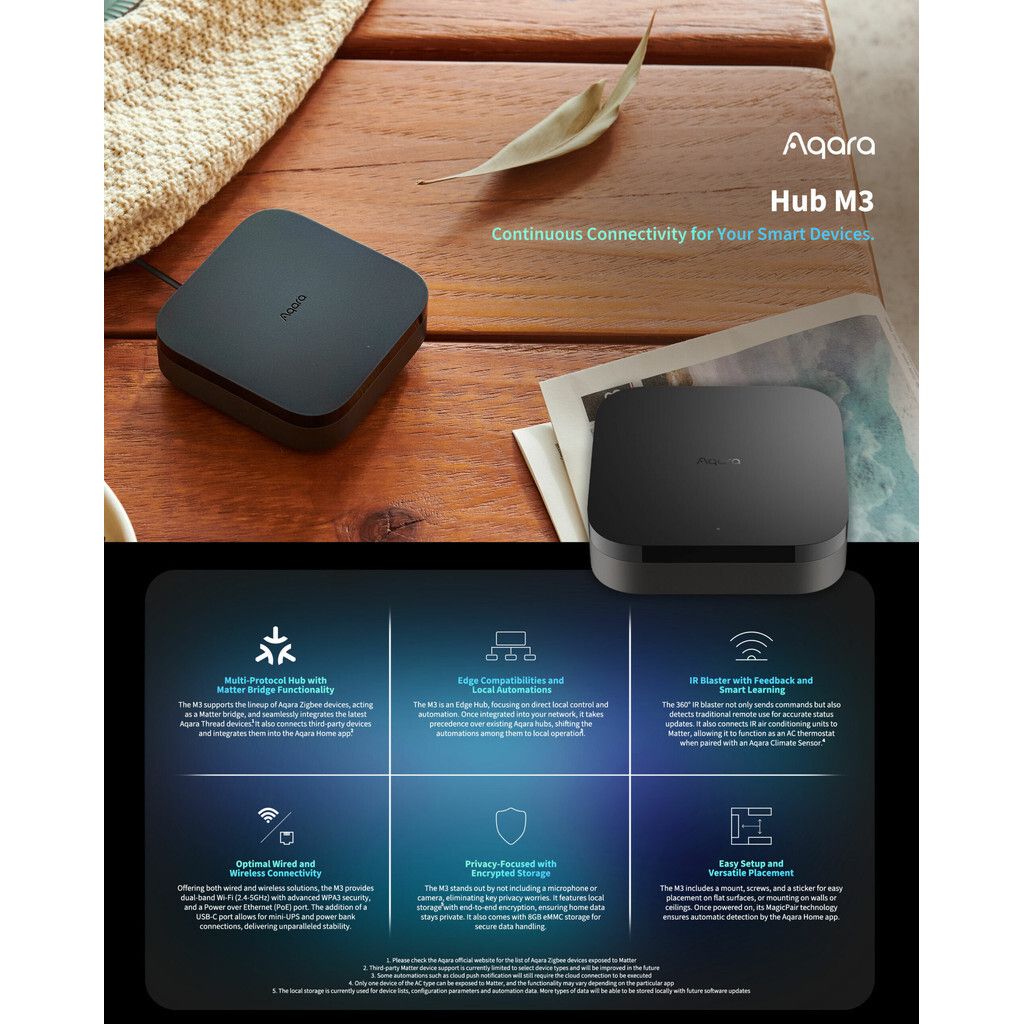
Zigbee 3.0 Compatibility : Connects and controls a wide range of Aqara and Zigbee-compatible smart devices.
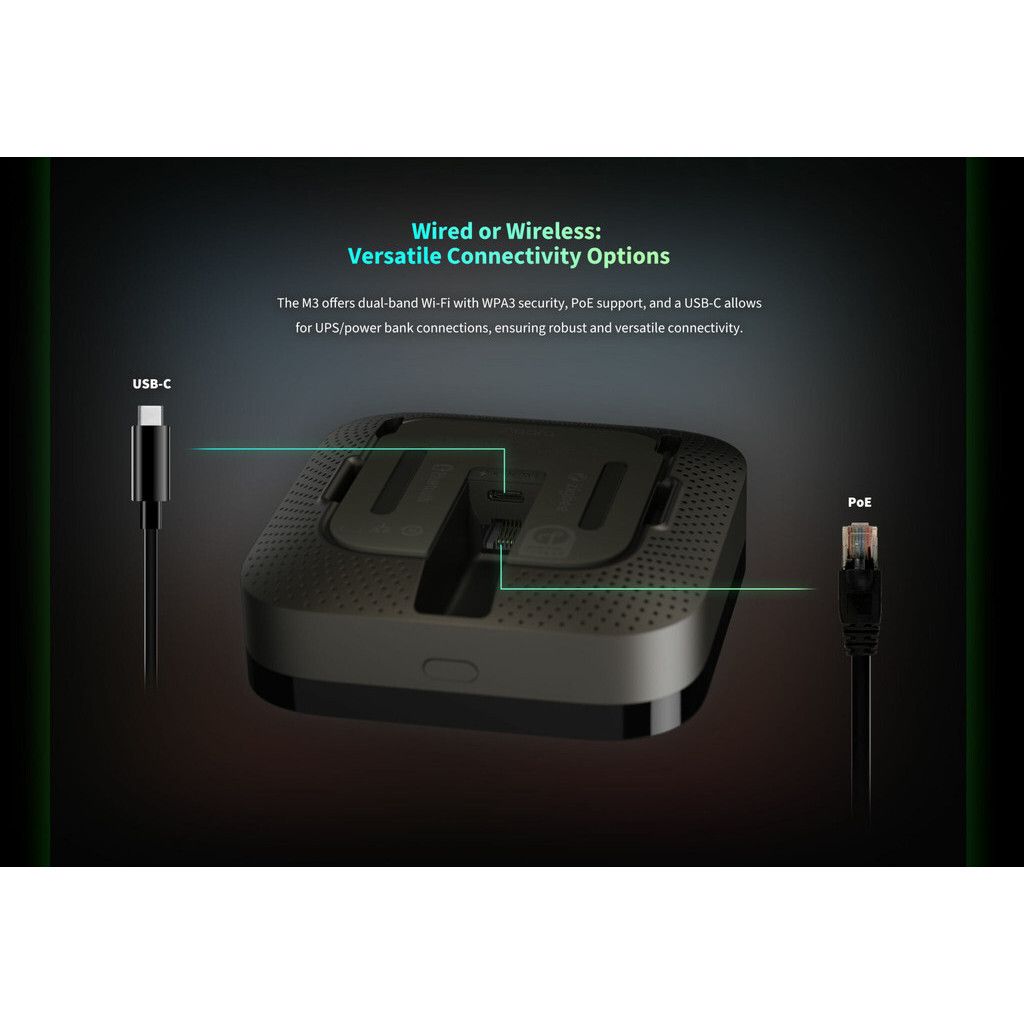
Dual-Band Wi-Fi : Supports both 2.4GHz and 5GHz Wi-Fi networks for enhanced connectivity.
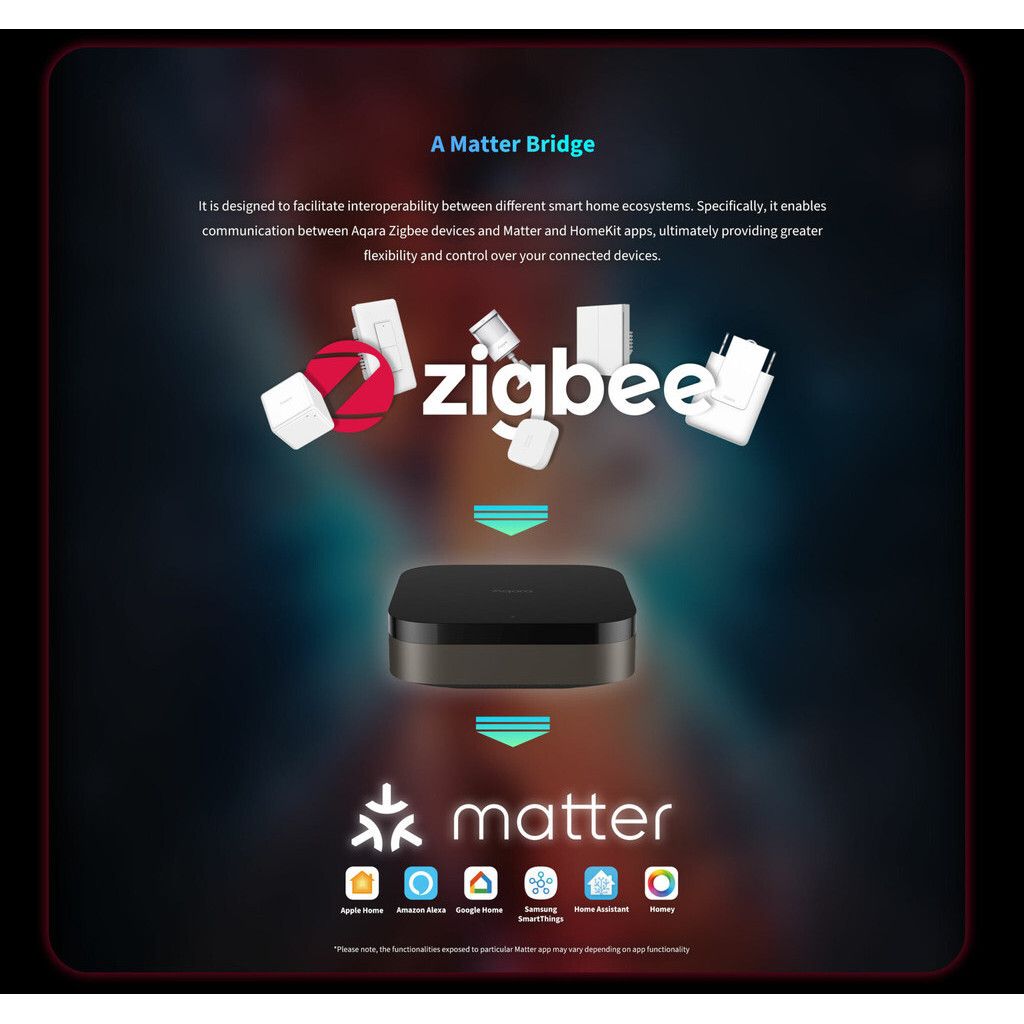
Smart Home Integration : Compatible with Apple HomeKit, Amazon Alexa, Google Assistant, and IFTTT, allowing seamless integration into existing smart home setups.
Voice Control ️: Control connected devices using voice commands through compatible smart assistants.
Local Automation : Execute automation rules locally for faster response times and increased reliability, even if the internet connection is down.
Advanced Security : Enhanced security protocols to protect your smart home network and data.
Expandable System : Easily expand your smart home system by adding more Aqara and Zigbee devices.
Specifications
Communication Protocol: Zigbee 3.0
Wi-Fi: Dual-band 2.4GHz/5GHz
Power Supply: USB-C 5V/1A
Dimensions: Approximately 3.94 x 3.94 x 1.02 inches (100 x 100 x 26 mm)
Weight: Around 4.59 ounces (130 grams) ️
Operating Temperature: 14°F to 104°F (-10°C to 40°C) ️
Operating Humidity: 0% - 95% RH (non-condensing)
️ Installation and Setup ️
Download the App : Install the Aqara Home app on your smartphone.
Create an Account : Sign up or log in to your Aqara account.
Add Hub : Follow the in-app instructions to add the M3 Hub to your Aqara account.
Connect Devices : Start adding Aqara and Zigbee devices to your hub via the app.
Configure Automations : Set up automation rules and scenes to enhance your smart home experience.
Use Cases
Home Security : Connect sensors, cameras, and alarms to monitor and protect your home.
Lighting Control : Automate and control smart lights for convenience and energy savings.
Climate Control ️: Integrate thermostats, humidifiers, and air conditioners for optimal home climate.
Energy Management : Monitor and manage energy consumption with smart plugs and switches.
Convenience ️: Automate daily routines and control various devices with ease.
We've >2500+ positive reviews online!
We cover local warranty and exchange.
The Aqara M3 Hub is a smart home gateway that integrates various Aqara and Zigbee-compatible devices, facilitating their control and automation within your smart home ecosystem. Here's an overview of its key features and specifications:
Aqara M3 Hub
Features
Zigbee 3.0 Compatibility : Connects and controls a wide range of Aqara and Zigbee-compatible smart devices.
Dual-Band Wi-Fi : Supports both 2.4GHz and 5GHz Wi-Fi networks for enhanced connectivity.
Smart Home Integration : Compatible with Apple HomeKit, Amazon Alexa, Google Assistant, and IFTTT, allowing seamless integration into existing smart home setups.
Voice Control ️: Control connected devices using voice commands through compatible smart assistants.
Local Automation : Execute automation rules locally for faster response times and increased reliability, even if the internet connection is down.
Advanced Security : Enhanced security protocols to protect your smart home network and data.
Expandable System : Easily expand your smart home system by adding more Aqara and Zigbee devices.
Specifications
Communication Protocol: Zigbee 3.0
Wi-Fi: Dual-band 2.4GHz/5GHz
Power Supply: USB-C 5V/1A
Dimensions: Approximately 3.94 x 3.94 x 1.02 inches (100 x 100 x 26 mm)
Weight: Around 4.59 ounces (130 grams) ️
Operating Temperature: 14°F to 104°F (-10°C to 40°C) ️
Operating Humidity: 0% - 95% RH (non-condensing)
️ Installation and Setup ️
Download the App : Install the Aqara Home app on your smartphone.
Create an Account : Sign up or log in to your Aqara account.
Add Hub : Follow the in-app instructions to add the M3 Hub to your Aqara account.
Connect Devices : Start adding Aqara and Zigbee devices to your hub via the app.
Configure Automations : Set up automation rules and scenes to enhance your smart home experience.
Use Cases
Home Security : Connect sensors, cameras, and alarms to monitor and protect your home.
Lighting Control : Automate and control smart lights for convenience and energy savings.
Climate Control ️: Integrate thermostats, humidifiers, and air conditioners for optimal home climate.
Energy Management : Monitor and manage energy consumption with smart plugs and switches.
Convenience ️: Automate daily routines and control various devices with ease.
×
×