


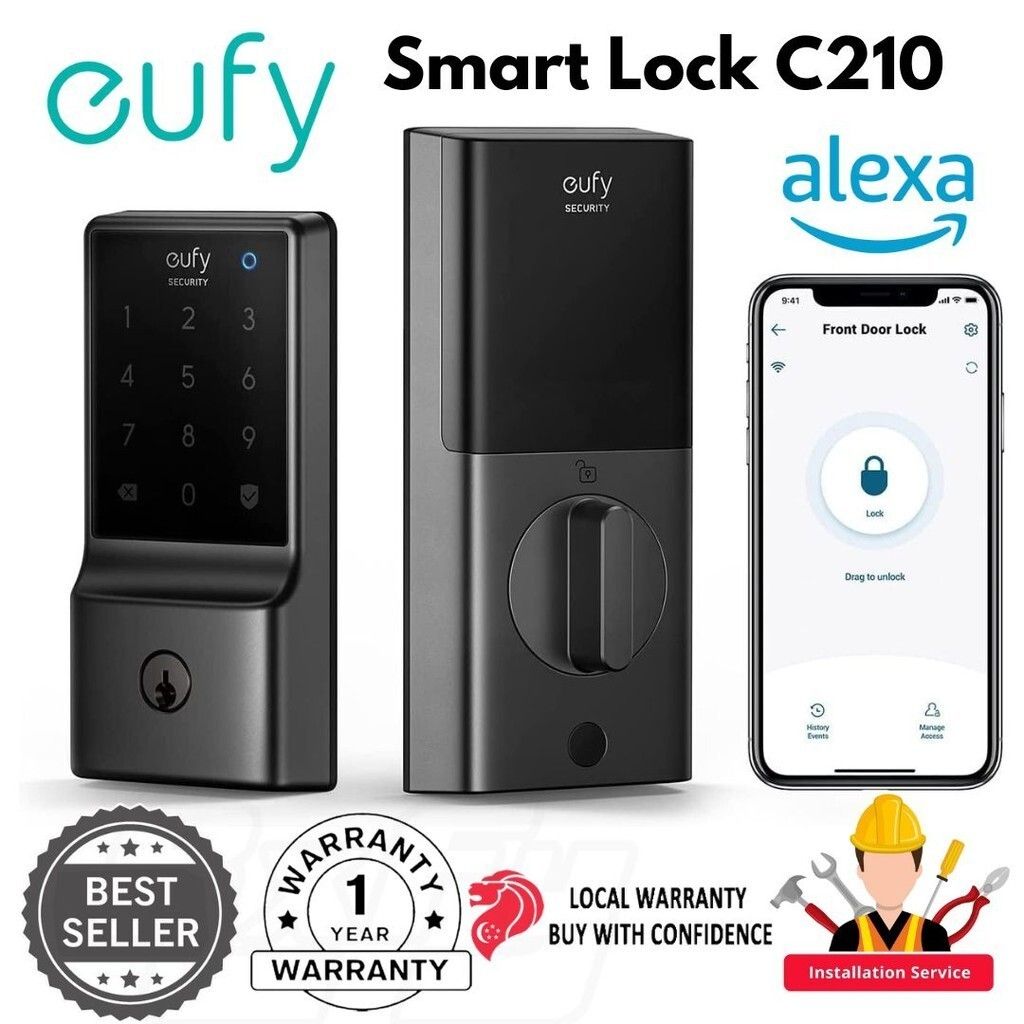
eufy Smart Lock C210, Built-in WiFi Deadbolt, Smart Door Lock, Touchscreen Keypad, App Remote Control, BHMA Certified
- Regular price
- S$ 189.00
- Sale price
- S$ 189.00
- Regular price
-
S$ 0.00

Worldwide shipping

Secure payments

Authentic products
Share
Why Choose Us?
We've >2500+ positive reviews online!
We cover local warranty and exchange.
Eufy Security Smart Lock C210
Features
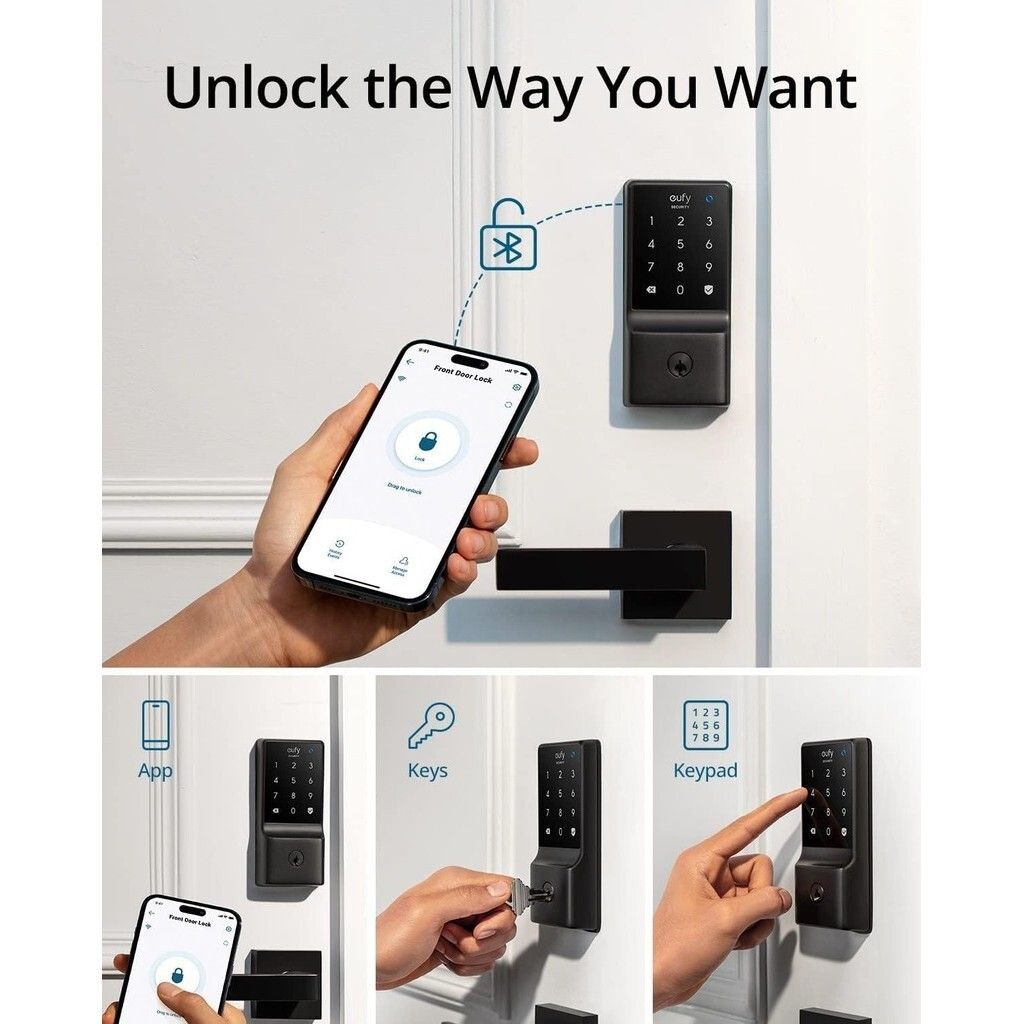
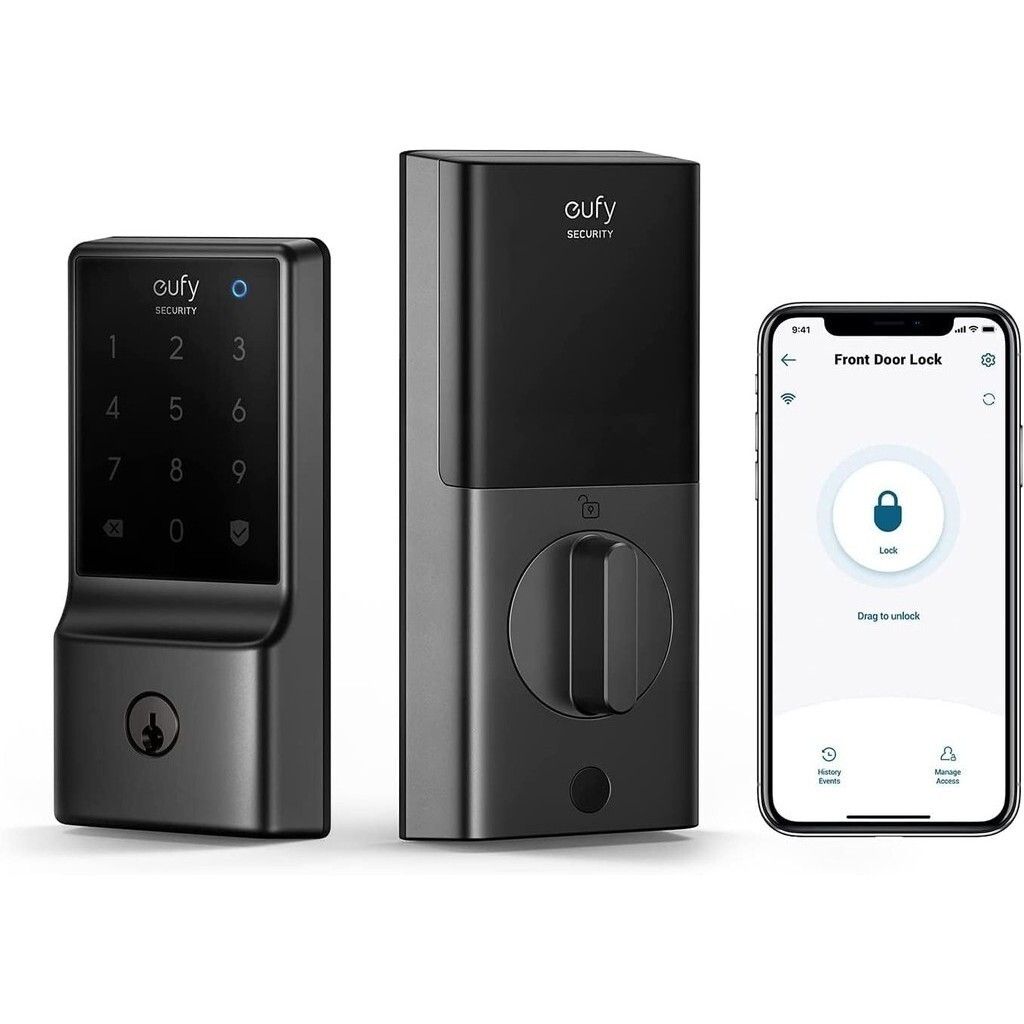
1. Keyless Entry : Convenient and secure keyless entry with a touchscreen keypad.
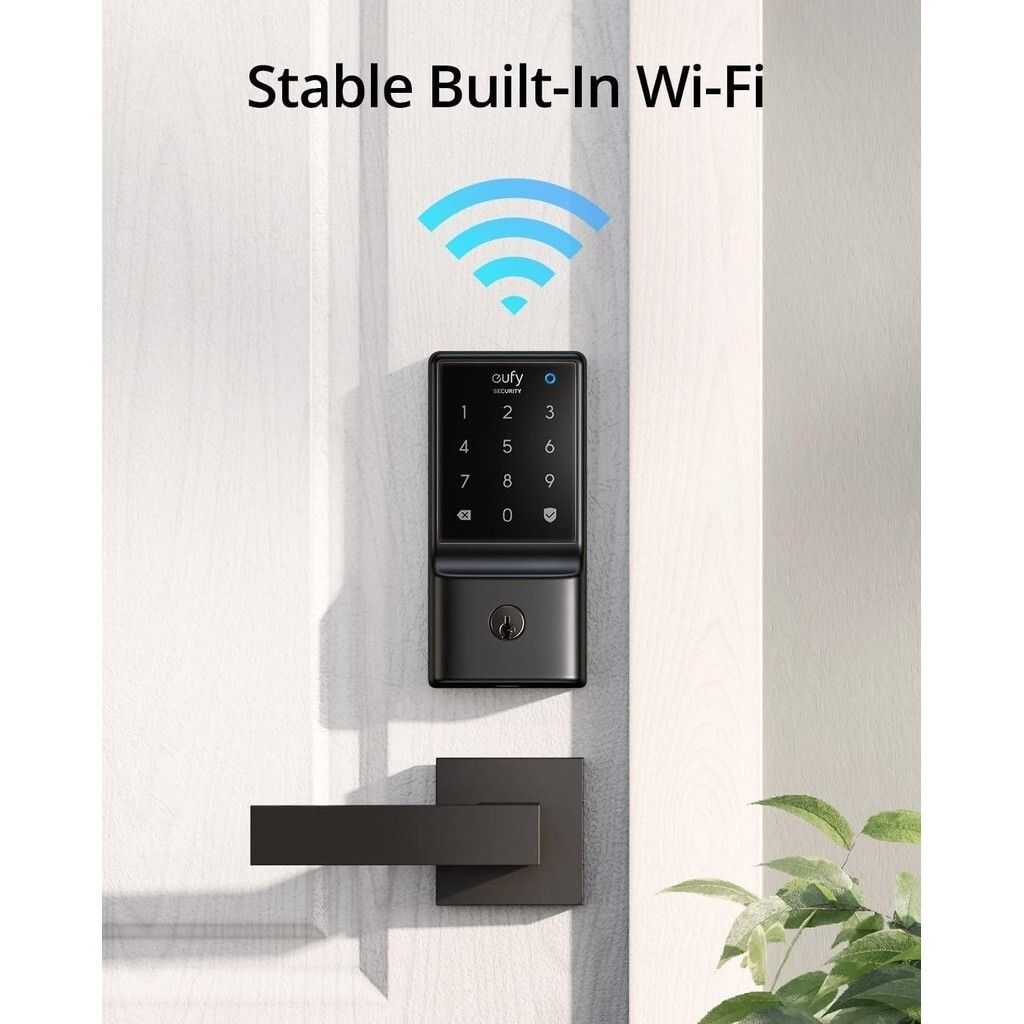
2. Built-in WiFi : Direct connection to your home network without the need for a bridge.
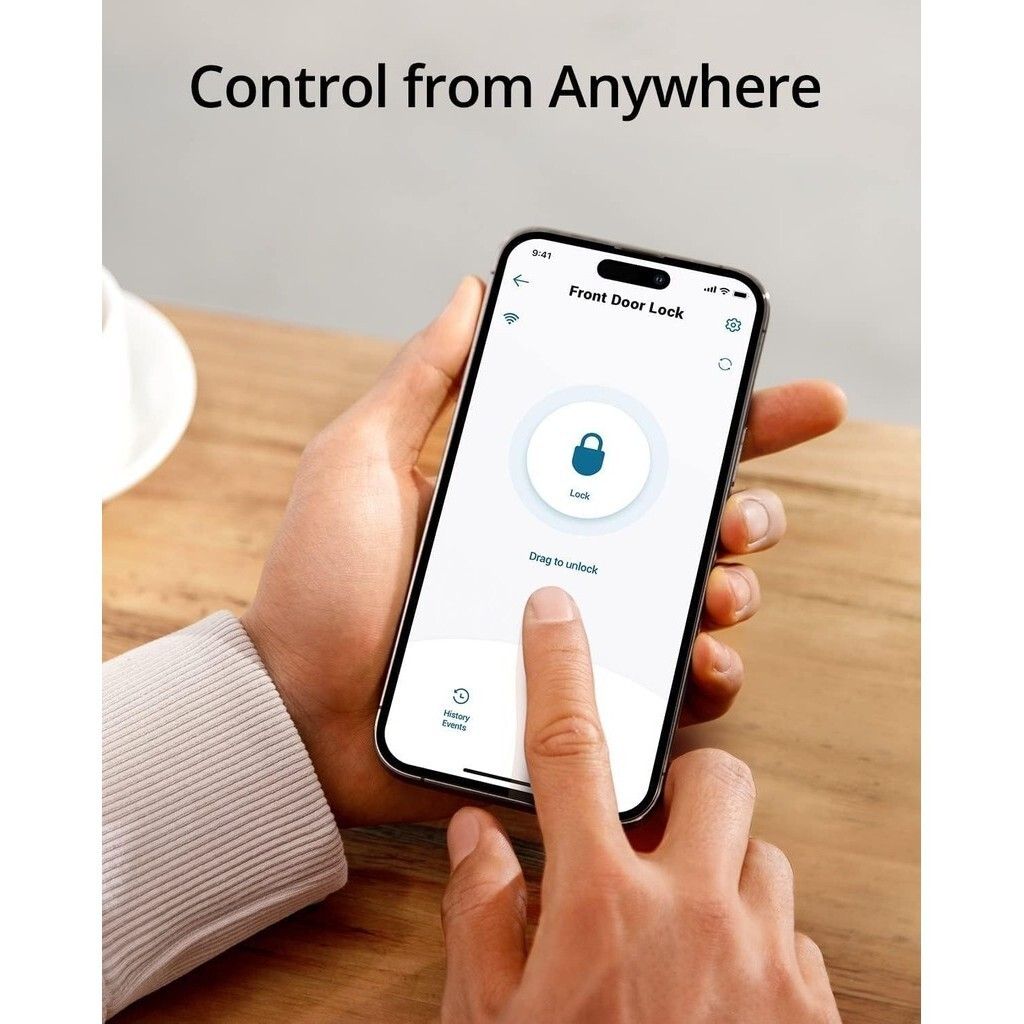
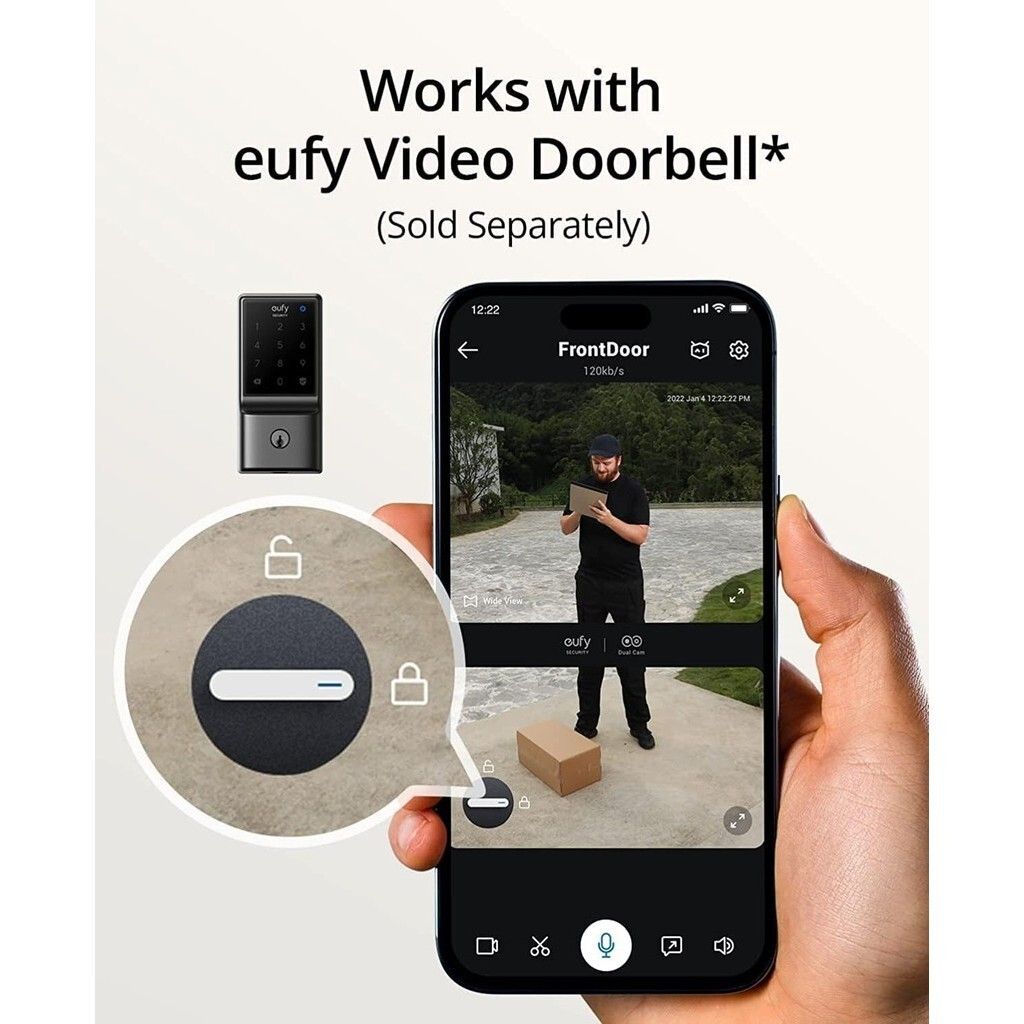
3. Remote Control : Control and monitor via the Eufy Security app.
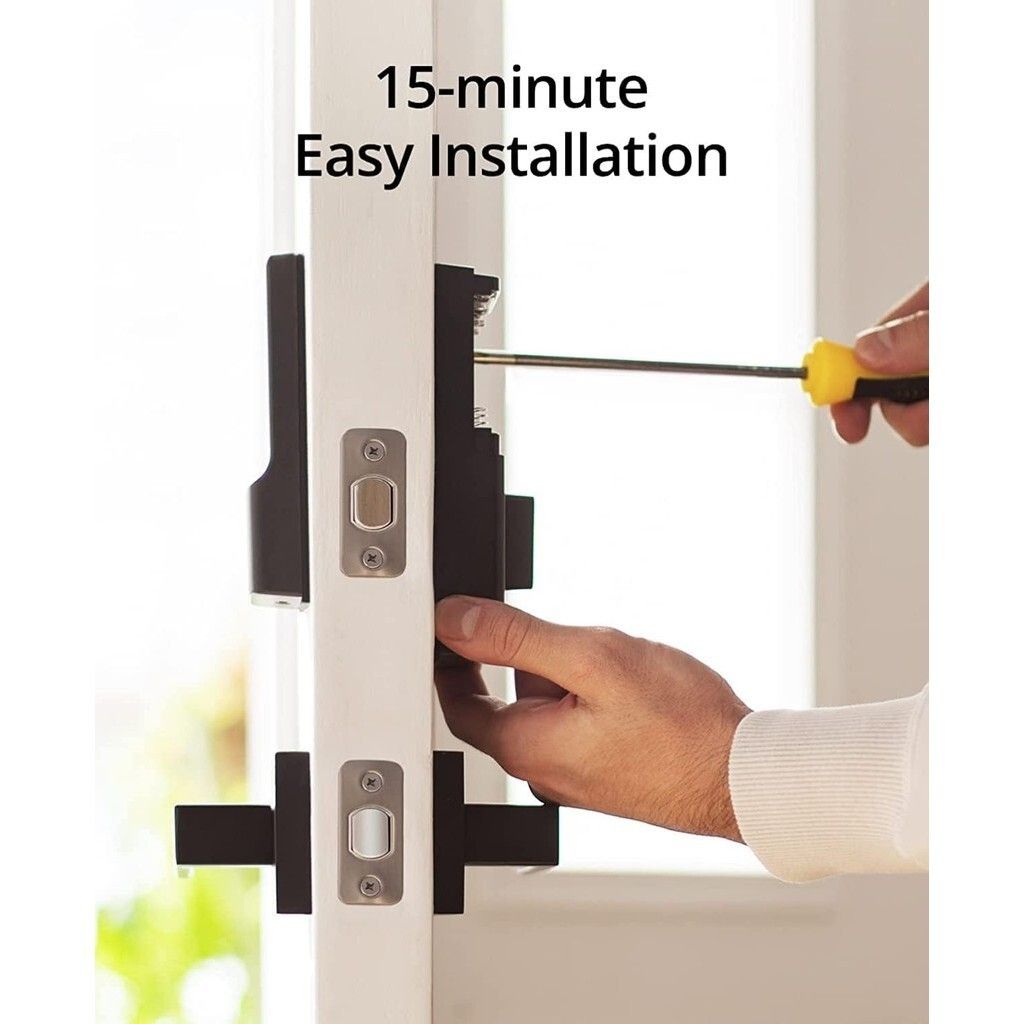
4. Easy Installation ️: Simple DIY setup with step-by-step instructions.
5. BHMA Certified : Meets stringent safety and quality standards.
Technical Specifications
• Model: Eufy Security Smart Lock C210
• Lock Type: Deadbolt
• Connectivity: Built-in WiFi (2.4GHz)
• Keypad: Touchscreen keypad
• App Control: Eufy Security app (iOS and Android)
• Compatibility: Works with Google Assistant and Amazon Alexa
• Power Source: 4 AA batteries
• Battery Life: Up to 12 months (varies based on usage)
• Material: Zinc alloy and stainless steel
• Dimensions:
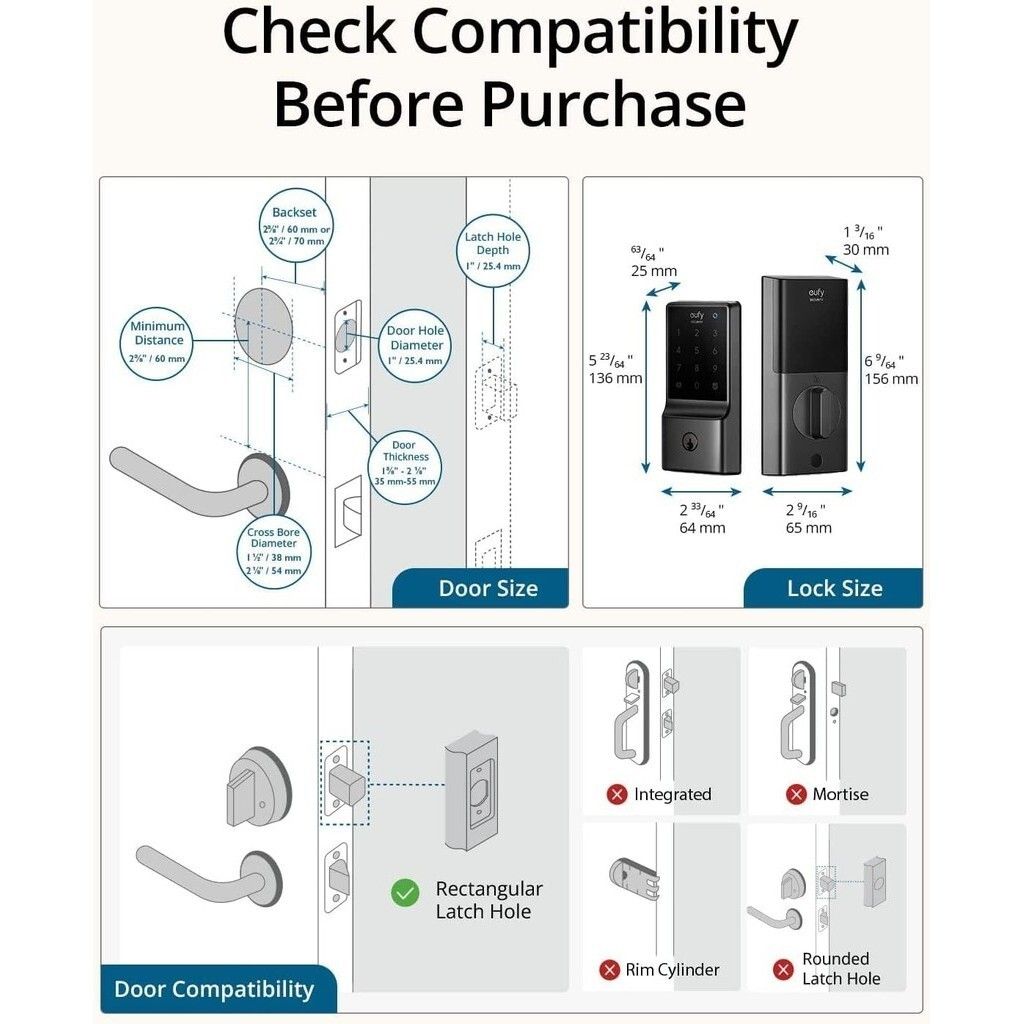
• Exterior: 6.14 x 2.56 x 1.06 inches
• Interior: 6.45 x 2.56 x 1.14 inches
• Weight: Approximately 3.31 pounds
• Operating Temperature: -30°C to 70°C (-22°F to 158°F)
• Security Features:
• BHMA Grade 2 certification
• AES 128-bit encryption
• Anti-peep keypad code entry
️ Installation and Setup ️
1. Download the Eufy Security App : Available on iOS and Android.
2. Install the Lock ️: Follow the in-app instructions for step-by-step installation.
3. Connect to WiFi : Use the app to connect the lock to your home network.
4. Set Up User Codes : Program multiple user codes for family and guests through the app.
Use Cases
• Home Security: Enhance front door security with keyless entry and remote monitoring.
• Rental Properties: Easily manage access for guests without the need for physical keys.
• Family Convenience: Simplify home access for family members with unique user codes.
We've >2500+ positive reviews online!
We cover local warranty and exchange.
Eufy Security Smart Lock C210
Features
1. Keyless Entry : Convenient and secure keyless entry with a touchscreen keypad.
2. Built-in WiFi : Direct connection to your home network without the need for a bridge.
3. Remote Control : Control and monitor via the Eufy Security app.
4. Easy Installation ️: Simple DIY setup with step-by-step instructions.
5. BHMA Certified : Meets stringent safety and quality standards.
Technical Specifications
• Model: Eufy Security Smart Lock C210
• Lock Type: Deadbolt
• Connectivity: Built-in WiFi (2.4GHz)
• Keypad: Touchscreen keypad
• App Control: Eufy Security app (iOS and Android)
• Compatibility: Works with Google Assistant and Amazon Alexa
• Power Source: 4 AA batteries
• Battery Life: Up to 12 months (varies based on usage)
• Material: Zinc alloy and stainless steel
• Dimensions:
• Exterior: 6.14 x 2.56 x 1.06 inches
• Interior: 6.45 x 2.56 x 1.14 inches
• Weight: Approximately 3.31 pounds
• Operating Temperature: -30°C to 70°C (-22°F to 158°F)
• Security Features:
• BHMA Grade 2 certification
• AES 128-bit encryption
• Anti-peep keypad code entry
️ Installation and Setup ️
1. Download the Eufy Security App : Available on iOS and Android.
2. Install the Lock ️: Follow the in-app instructions for step-by-step installation.
3. Connect to WiFi : Use the app to connect the lock to your home network.
4. Set Up User Codes : Program multiple user codes for family and guests through the app.
Use Cases
• Home Security: Enhance front door security with keyless entry and remote monitoring.
• Rental Properties: Easily manage access for guests without the need for physical keys.
• Family Convenience: Simplify home access for family members with unique user codes.
×
×